Virtual try-on for Shopify apparel stores
Shoppers see your clothes on themselves before they buy
fesch adds a try-on button to your product pages. Shoppers upload or take a photo and see your garment on themselves, so they can judge the look before they add to cart.
Free plan with 30 try-ons per month · made and hosted in Germany


Drag the handle to compare the sample photo and render.
Real renders
See exactly what your shoppers see
Every image here is a real render from one uploaded photo and one product shot. Nothing was retouched. Drag the handle to compare. The face, the pose and the background stay as the shopper took them.

Garment 1 of 4
Double-breasted blazer
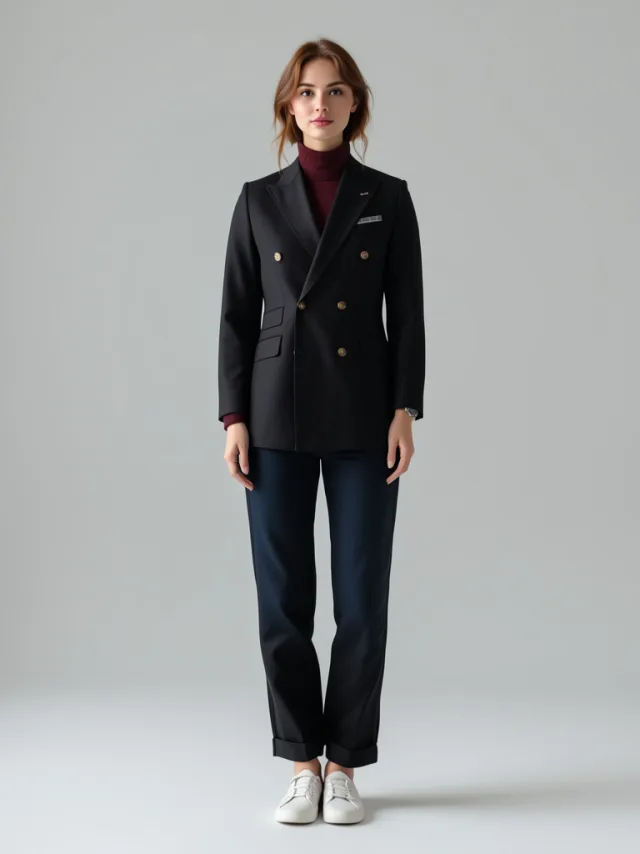
Gold buttons, peak lapels and the burgundy roll neck underneath all survive the render. Layered pieces come through as one outfit.
Pick a garment to try on this photo
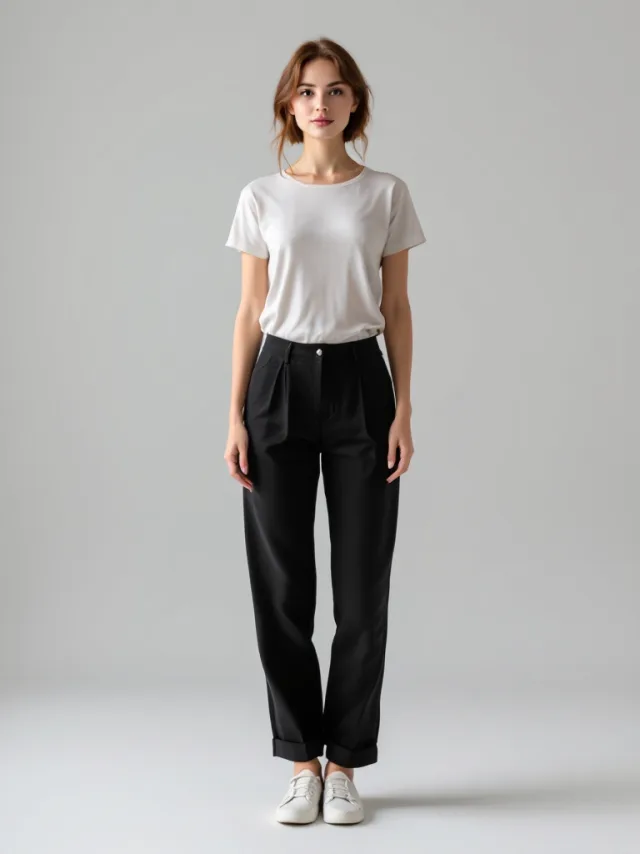
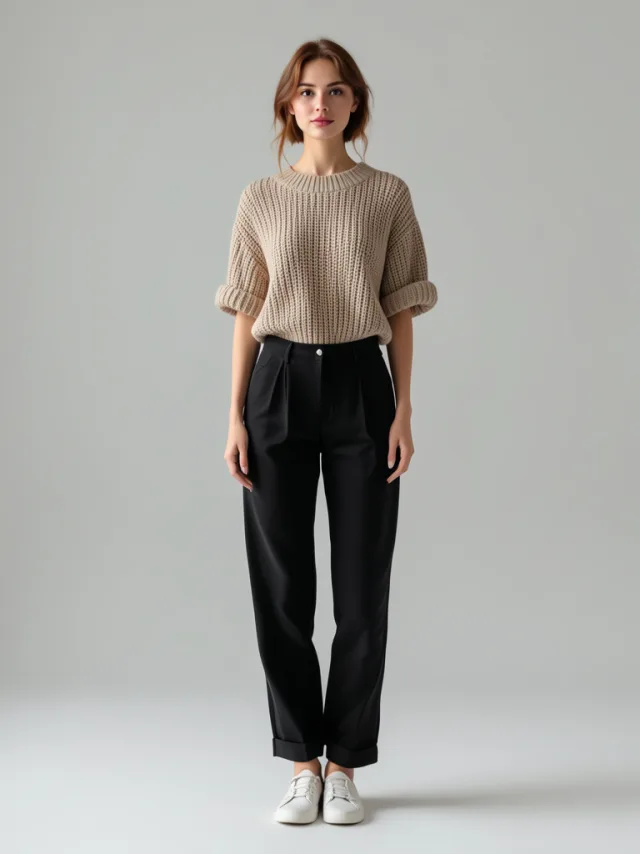
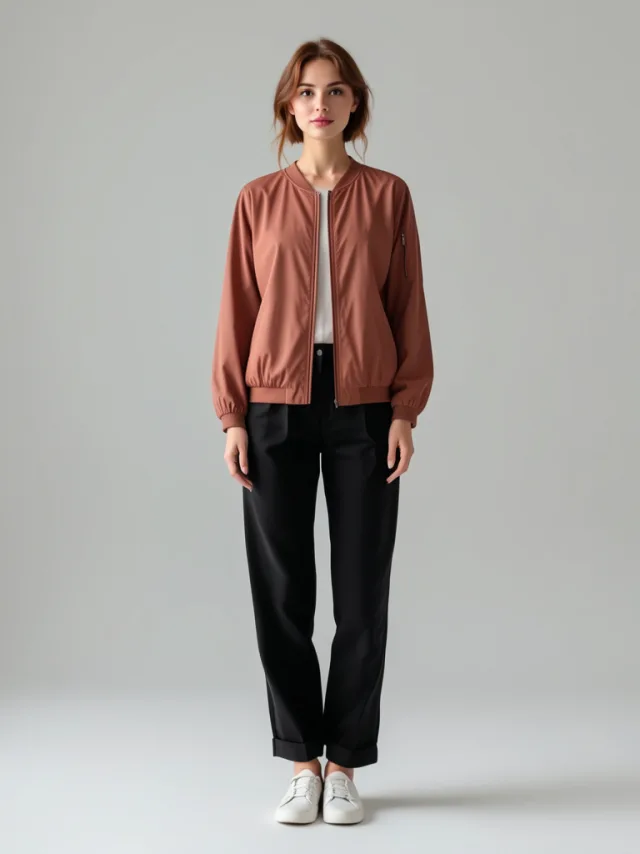
One photo, 4 garments. Shoppers upload once and keep trying on the rest of your catalog.
A different body, the same four garments
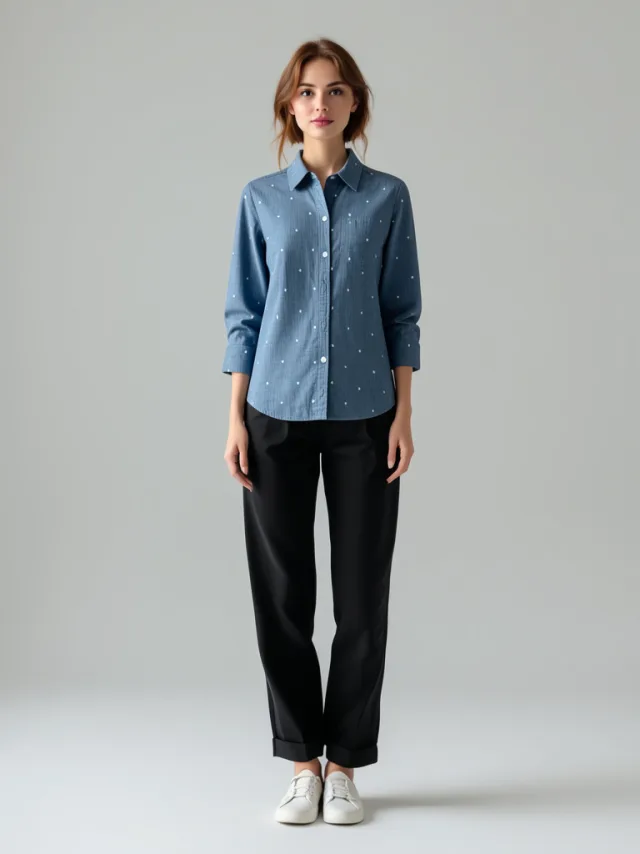
This is the demo model fesch ships with. It is the photo your onboarding fits your own products onto, so you can see the app work on your catalogue before a single shopper uploads anything. Full length this time, and a different build to the photo above.
How it works
Everything you need to bring try-on to your store
- Set up in the theme editor
- Add the try-on button as an app block and match its label, color, and size to your theme. No code changes.
- You choose where it appears
- Offer try-on on all products or only selected collections, with exclusions. Set a daily limit per shopper to protect your monthly quota.
- True to the variant they picked
- Renders follow the color variant the shopper selected on the product page, so the try-on shows the garment they actually want.
- Careful with photos
- Shopper photos are processed in the EU and scheduled for deletion after three days.
The context for try-on
What published figures tell us
Returns are a cost for online retailers. Try-on lets shoppers preview a look, but these industry figures do not establish how fesch affects purchases or returns.
- 19.3%
- of US online sales were expected to be returned in 2025, according to NRF and Happy Returns. This is an estimate across online retail, not an apparel-only rate.
- National Retail Federation
- 60%
- more high-quality views for virtual try-on images on Google Search than other shopping images, Google reported in September 2024. This measures engagement on Google, not store conversion or returns.
- Google, September 2024
These figures describe different markets and products. They are not measured results for fesch or a promise about your store. Your fesch dashboard reports try-ons, unique shoppers and most tried products. It does not measure conversion lift or return reduction.
Made and hosted in Germany
Your shoppers' photos never leave the EU
A try-on asks a shopper for a photo of their own body. That is a lot to ask, so the whole path is built to be easy to defend: made in Germany, hosted in Germany, rendered in Germany.
- Built in Germany
- fesch is made by a small team in Germany. You are talking to the people who write the code, not a support tier.
- Hosted in Frankfurt
- The app, the generation queue and the images run on AWS in Frankfurt (eu-central-1). The database sits in Frankfurt too. The automated photo check runs on Amazon Bedrock, restricted to EU regions.
- Rendered in Freiburg
- Try-ons are generated with FLUX from Black Forest Labs, the lab in Freiburg founded by the authors of Stable Diffusion. fesch calls their EU endpoint, so the photo is never sent out of the EU to be rendered.
- Deletion scheduled after three days
- Shopper photos and their renders are scheduled for deletion after three days. A data processing agreement is ready before you install.
FAQ
Frequently asked questions
- What does fesch do?
- fesch adds a try-on button to your product pages. Shoppers upload or take a photo and see your garment on themselves. Your dashboard shows try-ons, unique shoppers, and your most tried products.
- Do I need technical knowledge to set it up?
- No. You add the try-on button as an app block in the theme editor and match its label, color, and size to your theme. No code changes are needed.
- What happens to shopper photos?
- Photos are used only to render the try-on. They are processed and stored in the EU and scheduled for deletion after three days.
- Where does fesch run, and who renders the try-ons?
- fesch is built in Germany and runs on AWS in Frankfurt, with its database in Frankfurt as well. Try-ons are rendered with FLUX from Black Forest Labs, the lab in Freiburg, through their EU endpoint, so the photo is never sent out of the EU. Photos and renders are scheduled for deletion after three days.
- How much does fesch cost?
- Every store starts on the Free plan with 30 try-ons per month. Paid plans start at $19.99 per month for 200 try-ons and scale with your volume.
- Can I see it in action before installing?
- Yes. Open the demo store from our Shopify App Store listing, then open any product page, tap the try-on button, and see a garment on yourself.
Ready to let shoppers try before they buy?
fesch adds a try-on button to your product pages. Set it up in the theme editor and try it with your own products.
Free plan with 30 try-ons per month · add the button in the theme editor